Course Overview
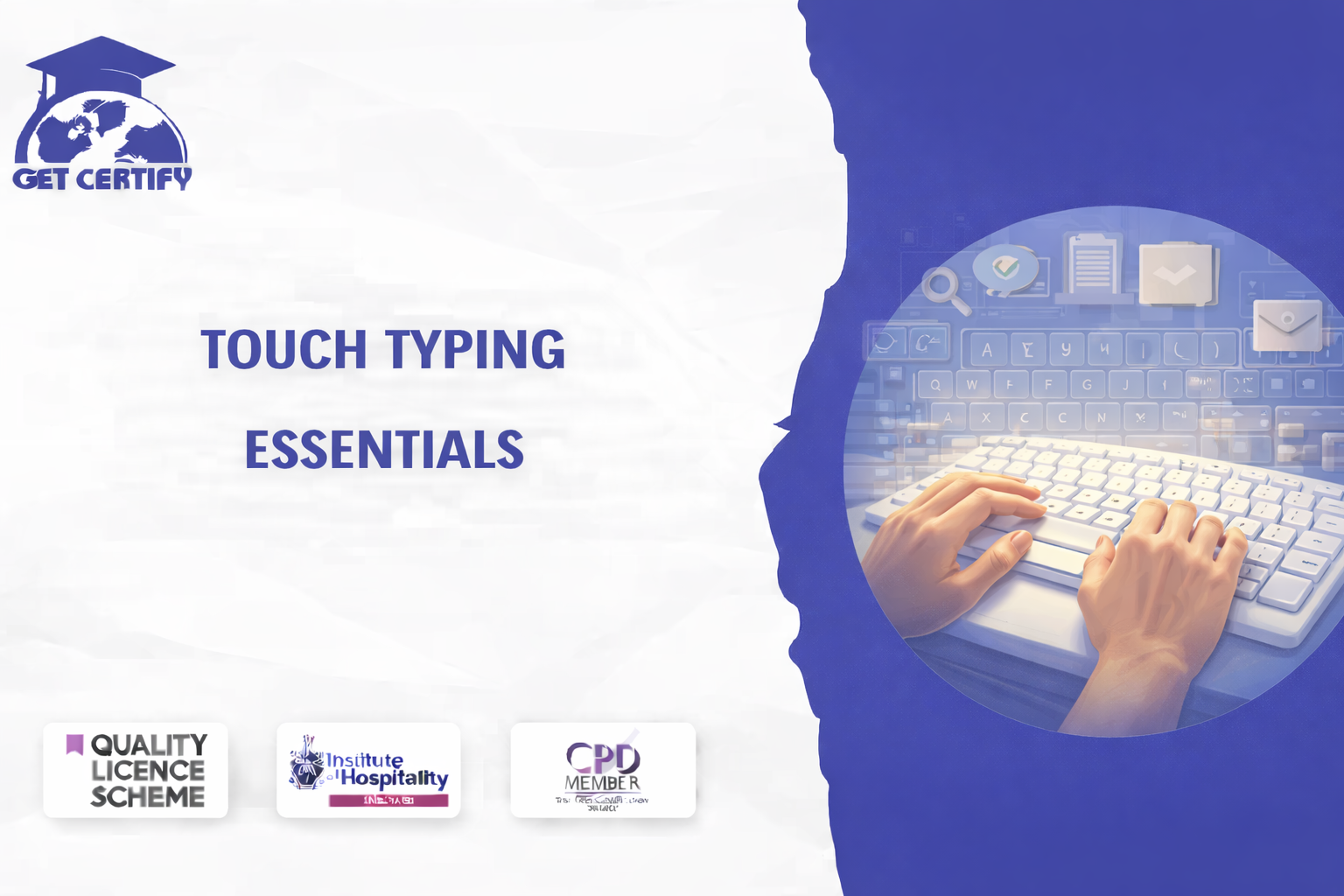
The Touch Typing Essentials Course provides learners with the fundamental skills required to type quickly, accurately, and efficiently without looking at the keyboard. The course focuses on improving typing speed, keyboard familiarity, and proper finger placement techniques to help learners increase productivity in professional and everyday computer use.
This course is ideal for students, office workers, professionals, or anyone who wants to improve their typing skills for academic, personal, or workplace tasks.
By completing this qualification, learners will be able to:
Understand the fundamentals of touch typing
Learn correct finger positioning and keyboard layout
Improve typing speed and typing accuracy
Develop confidence typing without looking at the keyboard
Understand ergonomic typing techniques to reduce strain
Enhance productivity when working with computers
Apply typing skills in professional and academic environments
Course Aims
This course aims to equip learners with the knowledge and understanding required to:
(Exact qualifications may vary depending on awarding body requirements.)
This course is suitable for:
No prior experience is required.
Introduction to Touch Typing
Understanding the Keyboard Layout
Finger Placement and Hand Positioning
Typing Speed and Accuracy Techniques
Practicing Touch Typing Exercises
Improving Typing Efficiency
Keyboard Ergonomics and Best Practices
Course Delivery
The course is delivered through fully online interactive learning modules with professional voice-over guidance. Learners can study at their own pace using laptops, tablets, or smartphones.
Assessment
Assessment is typically knowledge-based and may include:
Progression Opportunities
Successful learners may progress to:
Certification
Upon successful completion, learners will receive a recognised Touch Typing Essentials Course certificate. Learners will receive an instant digital certificate, with the option to request a printed certificate delivered by post.
No reviews yet. Be the first to review this course!
£125.00



Easy to follow and relevant information. Option to re-do quizzes was great too.
4 months agoGot way more than I expected with this course. Extremely detailed. You're able to engage in the modules as much or as little as your time availability. I highly recommend.
4 months agoThe course was very in-depth, informative and covered quite a wide variety of subjects.
4 months ago