Course Overview
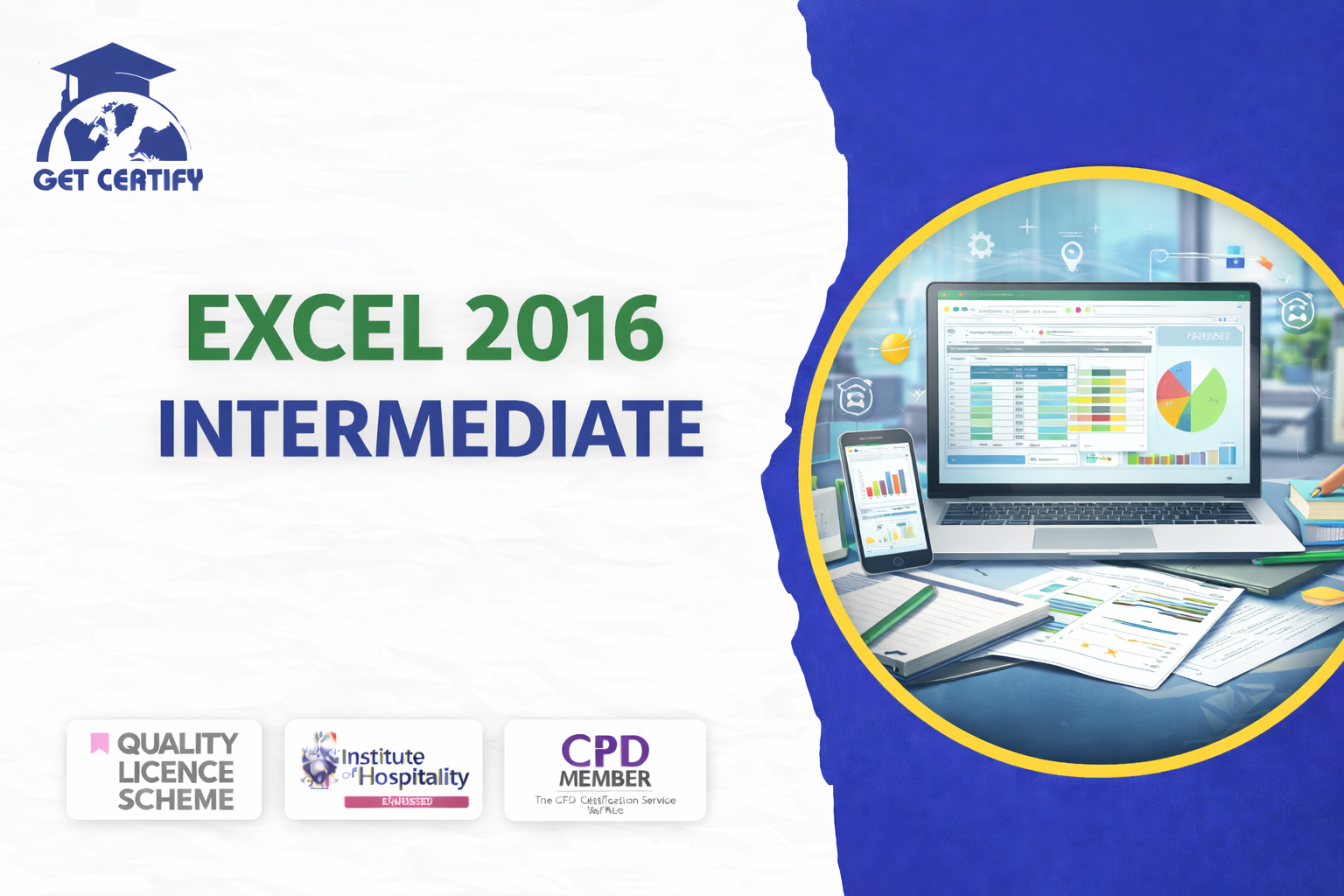
The Excel 2016 Intermediate course provides learners with practical knowledge of Microsoft Excel tools, formulas, and data management techniques required for professional data handling and analysis. This qualification focuses on developing intermediate-level Excel skills, enabling learners to organise data efficiently, perform calculations, analyse datasets, and present information clearly using charts and formatting tools.
This course is ideal for individuals who already have basic Excel knowledge and want to enhance their spreadsheet management, reporting, and analytical skills for professional or business environments.
By completing this qualification, learners will be able to:
Course Aims
This course aims to equip learners with the knowledge and practical understanding required to:
This course is suitable for:
No advanced Excel experience is required, although basic Excel knowledge is recommended.
Introduction to Excel 2016 Intermediate Features
Working with Formulas and Functions
Data Management and Spreadsheet Organisation
Sorting, Filtering, and Conditional Formatting
Creating Charts and Data Visualisation
Improving Productivity with Excel Tools
Spreadsheet Design and Reporting Techniques
Course Delivery
The course is delivered through online learning modules, interactive lessons, and practical exercises. Learners will have access to flexible self-paced study materials designed to help them build confidence and efficiency in Microsoft Excel.
Assessment
Assessment is typically knowledge-based and may include:
Certification
Upon successful completion, learners will receive a recognised Excel 2016 Intermediate certificate demonstrating their ability to work confidently with Microsoft Excel spreadsheets and data analysis tools.
No reviews yet. Be the first to review this course!


Easy to follow and relevant information. Option to re-do quizzes was great too.
4 months agoGot way more than I expected with this course. Extremely detailed. You're able to engage in the modules as much or as little as your time availability. I highly recommend.
4 months agoThe course was very in-depth, informative and covered quite a wide variety of subjects.
4 months ago